Your journal
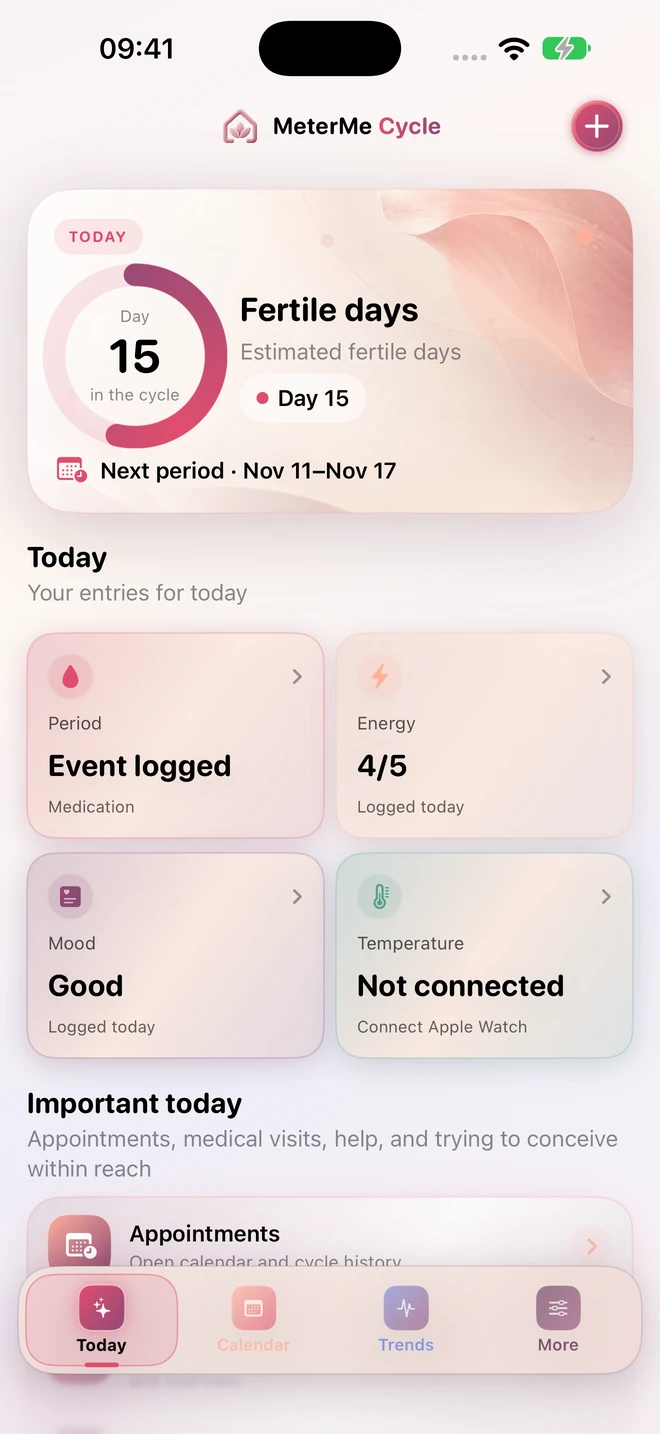
Record bleeding, symptoms, mood, energy and events intentionally. Mood and energy stay empty until you choose to add them.
METERME CYCLE · FOR IPHONE · WITH APPLE WATCH
Now on the App StoreMake room for how you feel. Keep your period, symptoms, mood and energy in one calm, personal place – right on your iPhone.
No account. No ads. No tracking SDK.
Download for free on iPhone. You can unlock Cycle Plus+ with an optional one-time purchase in the app.
CYCLE & WELLBEING
You choose what to record. Cycle helps you revisit your entries and understand your personal patterns.
Record bleeding, symptoms, mood, energy and events intentionally. Mood and energy stay empty until you choose to add them.
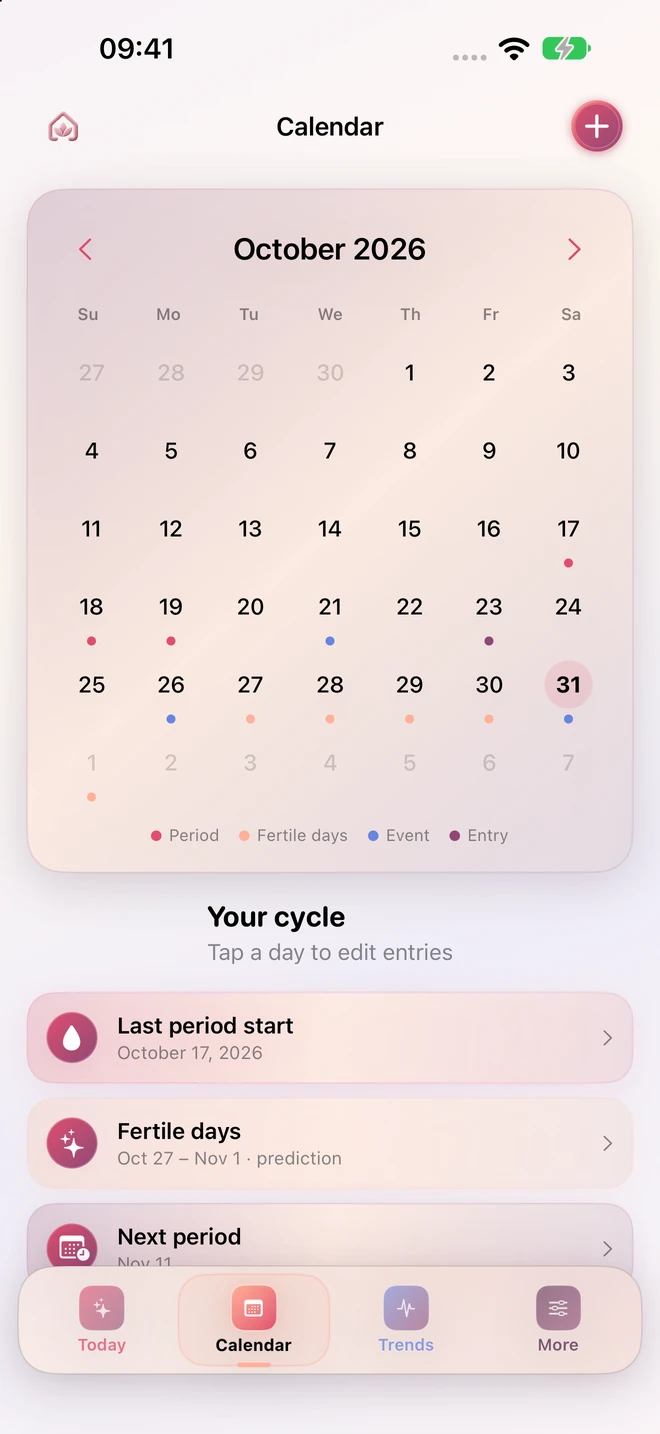
View and edit individual days. Period and fertile windows are personal calendar estimates, shown when there is suitable data.
Optionally read temperature data from Apple Health and add short entries using a paired Apple Watch. Your journal also works without a Health connection.
PRIVACY
Journal and Health data stay locally on your devices. Cycle needs no separate account. Export, confirmed import and data deletion are available without a purchase.
How Cycle protects your data ↗CYCLE & CYCLE PLUS+
The basics stay free. Cycle Plus+ adds personal insights and reminders with an optional one-time purchase.
Free
€4.99
once in Germany
No subscription. No automatic renewal. The one-time purchase permanently unlocks all Plus+ features. Your local App Store price applies in other countries. Purchase and restore in the app using your Apple Account.
MeterMe Cycle is now available for iPhone on the App Store. The basics are free; Cycle Plus+ is an optional one-time purchase.
No. The journal and calendar work on your iPhone. Temperature data needs a suitable source in Apple Health; Watch features need a paired Apple Watch.
Open More → MeterMe Cycle Plus+ → Restore purchases. Use the same Apple Account as for the original purchase. Export your local journal data before deleting the app.
Existing verified subscriptions stay valid until the end of their paid period. You can manage or cancel them in your Apple Account settings.
Questions about Cycle? Cycle support ↗