Measure live
A, C and Z frequency weighting, with Fast, Slow and Impulse time weighting. See minimum, average, maximum and energy-based Leq.
METERME dB · IPHONE & IPAD
Now on the App StoreHow loud is it right now — and what has changed? Measure your surroundings, keep a history and save your results. Clear on iPhone. Room to explore on iPad.
For iPhone & iPad · German & English
No account. No audio recording.
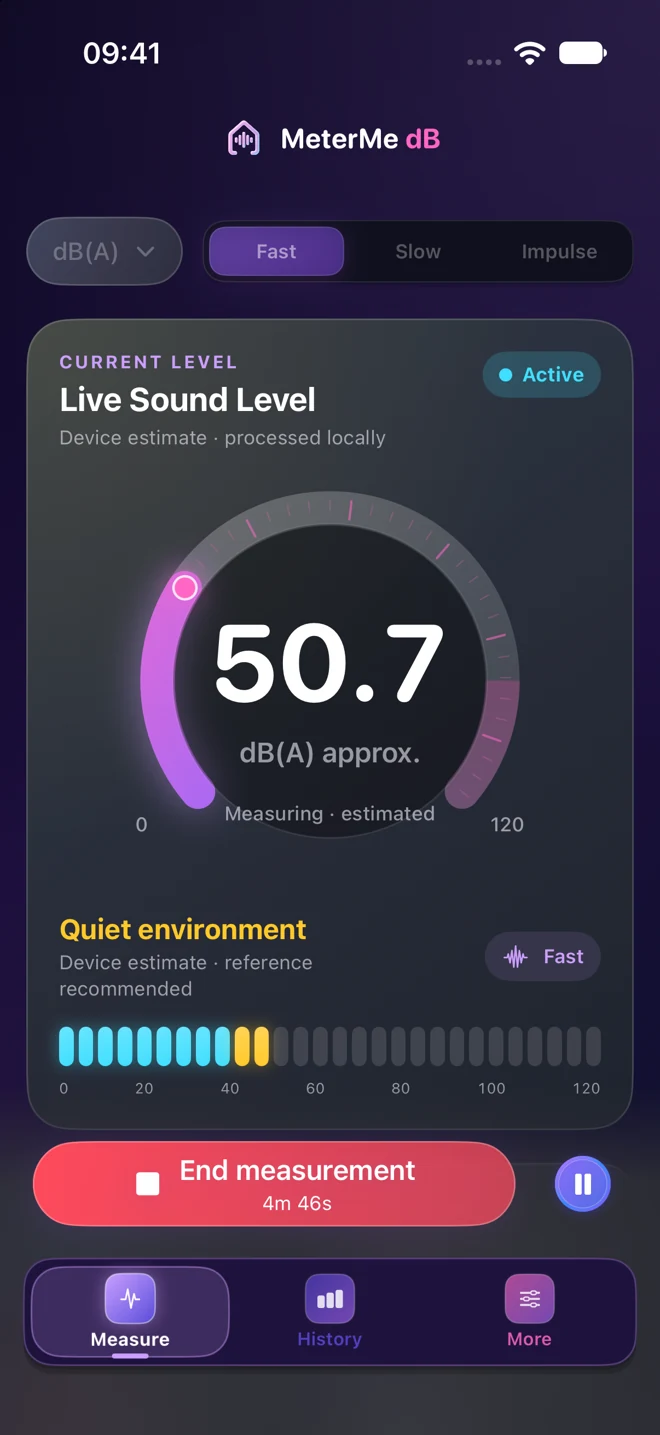
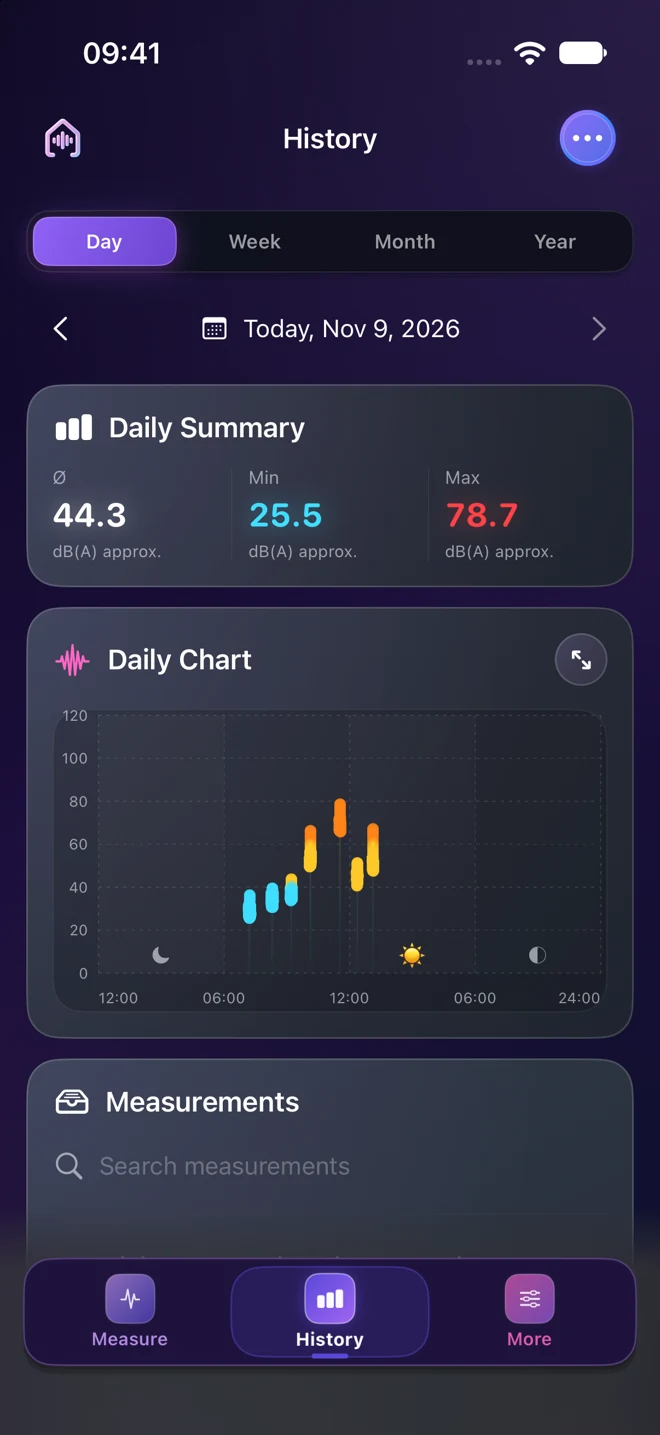
MEASURE. SAVE. UNDERSTAND.
Start a measurement, watch the live level and save it with a personal note. Your saved measurements stay until you choose to delete them.
A, C and Z frequency weighting, with Fast, Slow and Impulse time weighting. See minimum, average, maximum and energy-based Leq.
Explore days, weeks, months and years. Add notes, share readings as CSV and back up or import your history as a file.
Use the built-in microphone or a supported USB or wired input. The source and calibration status stay visible. With a reference meter, you can save an input-specific correction.
ON IPAD
Live levels, measurement tools and history have their own space on the larger display. Keep the key readings and the chart in view together.
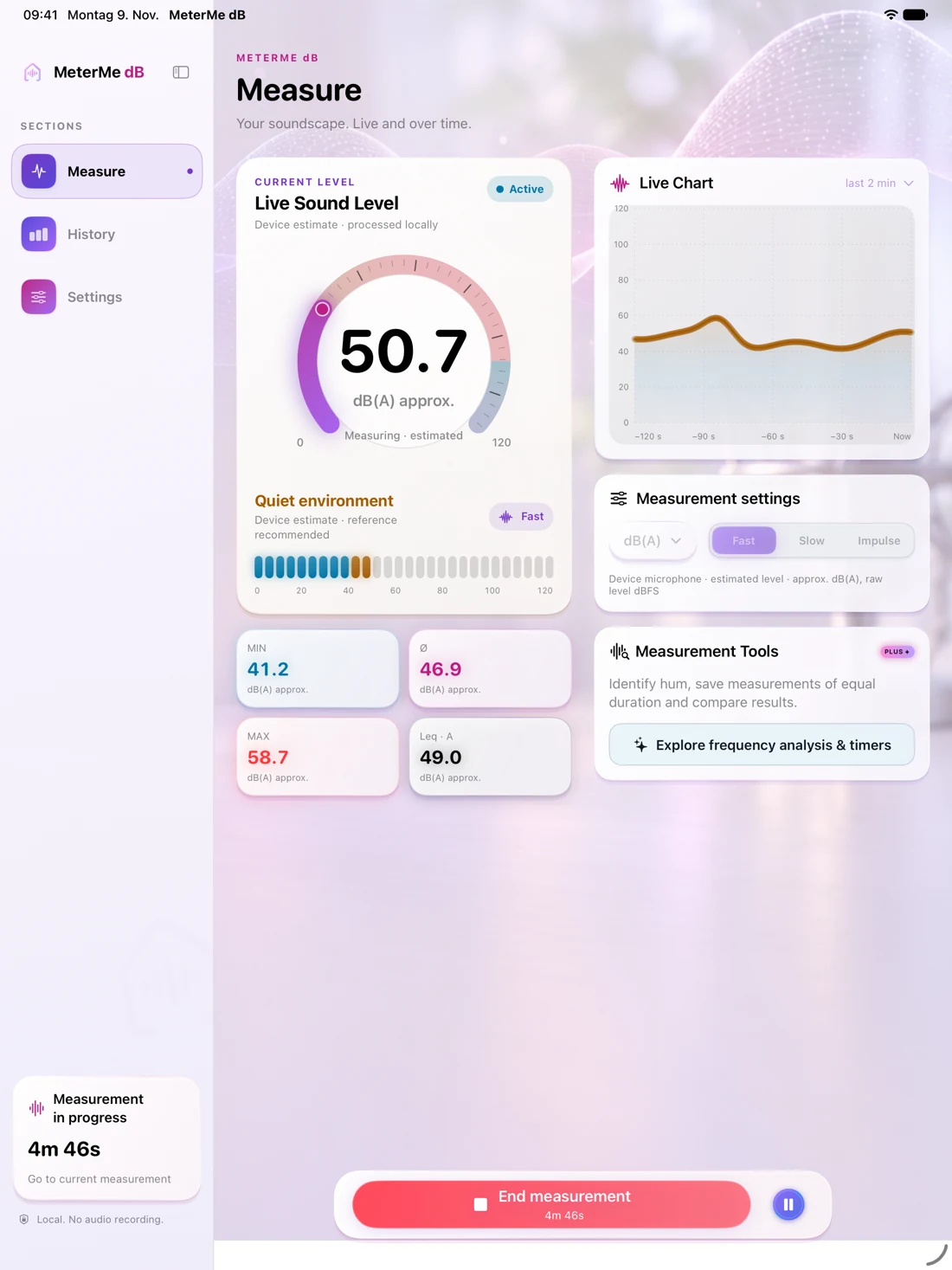
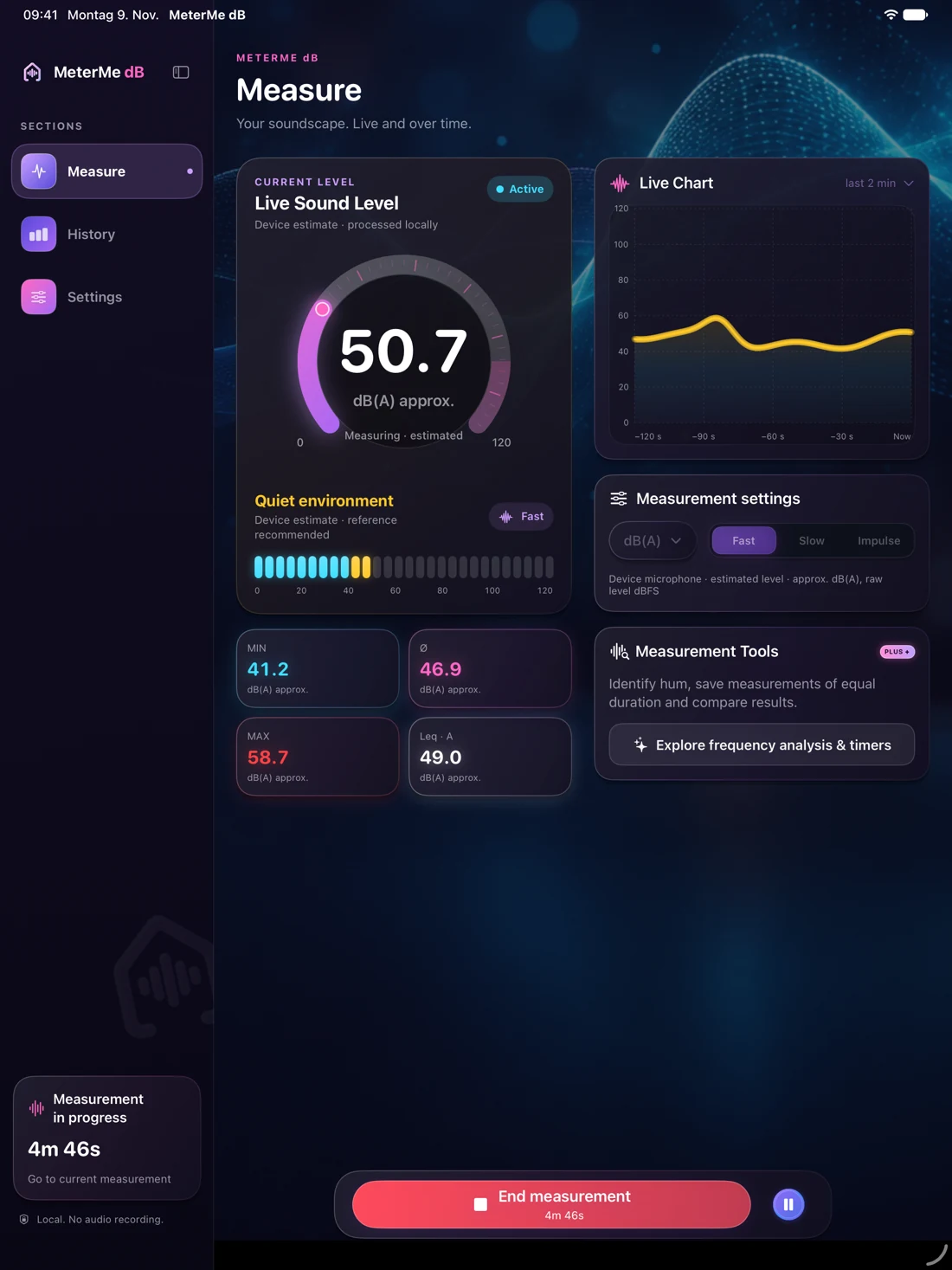
LOCAL & PRIVATE
The microphone signal is processed on your device. It is not saved as an audio recording or sent to us. No account is required. You decide whether to share reports or backups.
Read about privacy ↗METERME dB & PLUS+
The essentials stay free. Plus+ adds extra tools as an optional one-time purchase, with no subscription.
Free
€4.99
one time in Germany
No subscription or automatic renewal. All Plus+ features are unlocked permanently. Purchases and restoration take place in the app through your Apple Account. Local App Store prices apply in other countries.
MeterMe dB is now available for iPhone and iPad on the App Store. The essentials are free, with Plus+ available as an optional one-time purchase.
The app supports German and English. It follows your device language or the language selected for MeterMe dB in iOS or iPadOS Settings. Measurements and personal notes are preserved when you change languages.
Yes, with background measurement enabled and a real microphone measurement you have started yourself. Audio interruptions pause the measurement. Timers count received audio time; pauses do not count.
Open More → Measurements & Backup to save your history as a JSON file or import a backup. A summary appears before import. Existing measurements and their notes are preserved.
Open More → MeterMe dB Plus+ → Restore Purchases and use the same Apple Account as for the original purchase.